

Loading...
Postulate is the best way to take and share notes for classes, research, and other learning.
Curvy text without warping the letters
 Amy Li
Spot the photoshop in the picture below.
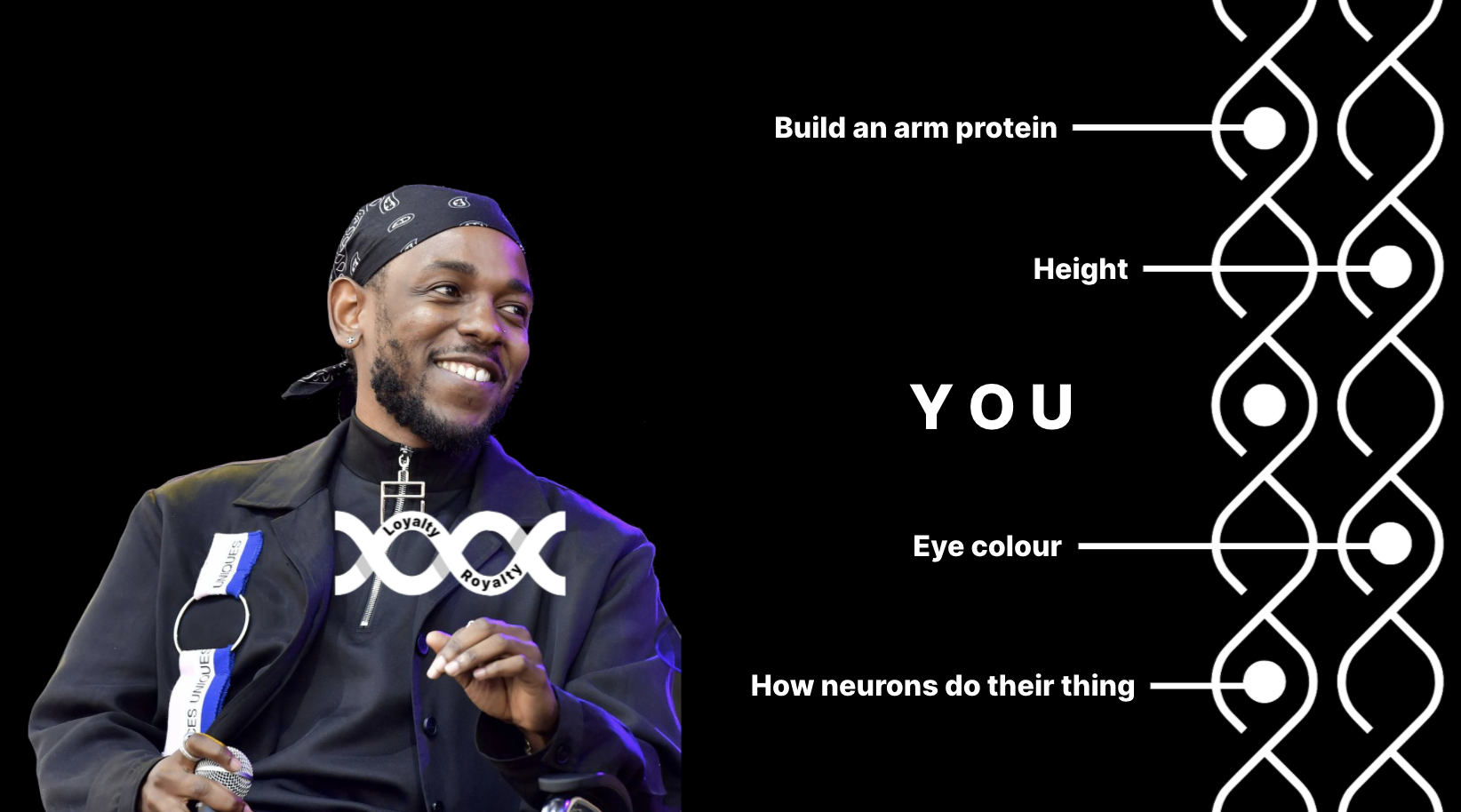
Answer:
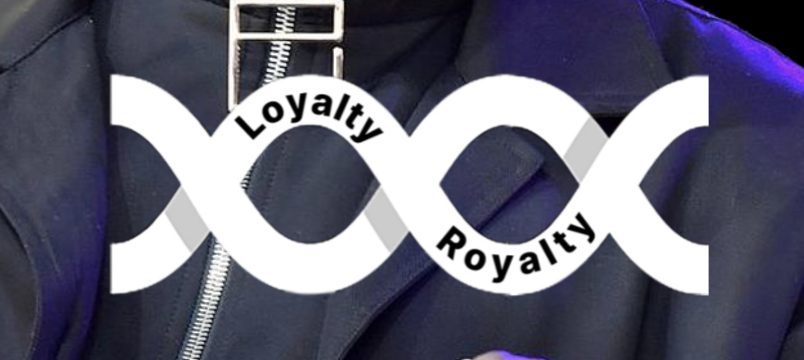
Woahhh, how did you make the text curvy without warping the letters, I hear you ask.
Here is how:
open photoshop
select the circle/ellipse tool (or another shape if you want to make your word's back break) and create a shape
in the top left corner, make sure it says path and not shape or pixels
select the text/horizontal type tool and click anywhere on the circle path you just created
start typing
be amazed
realize that oh no, my text is not centred I'm going to have to rewrite everything
stop worrying because you can actually select the path selection tool (looks like a cursor) and click and drag the starting/ending point of your path to move your text
they look like a thing with a stick sticking out of it
be disappointed because your text can only curve clockwise and not the other way
consider flipping your text upside down
realize that you don't actually have to go through this much mental turmoil because you can just click and drag the starting/ending point inwards (into your circle) and your text will fwoop
Comments (loading...)
Adobe-ing
you know what you're adobe-ing is high quality when your application crashes more than once